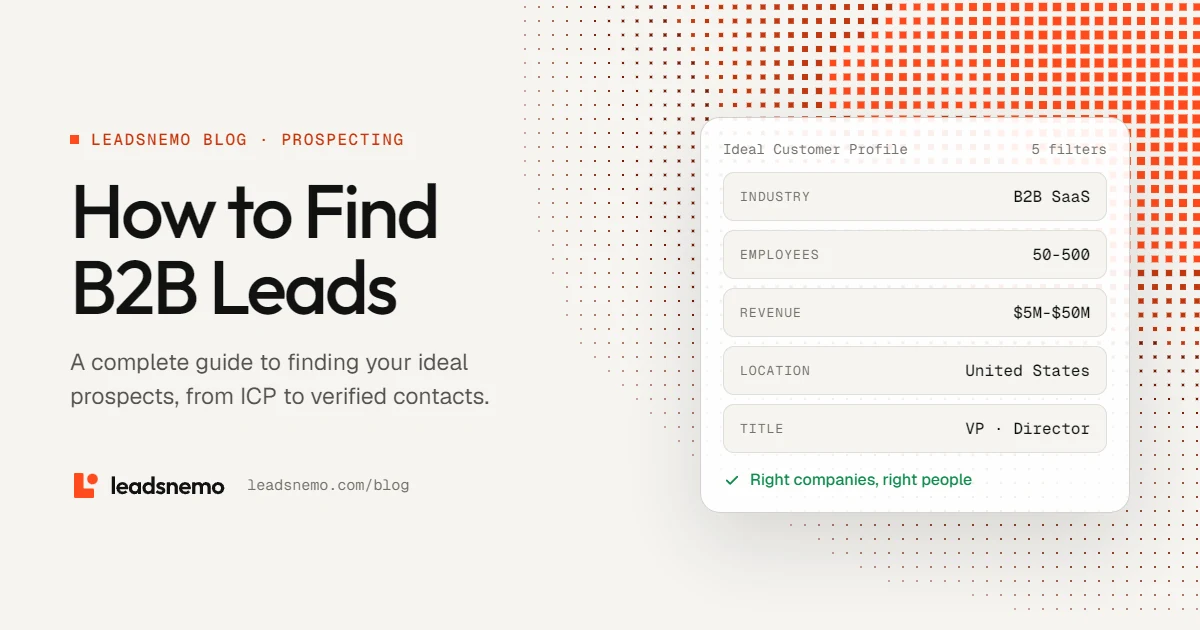
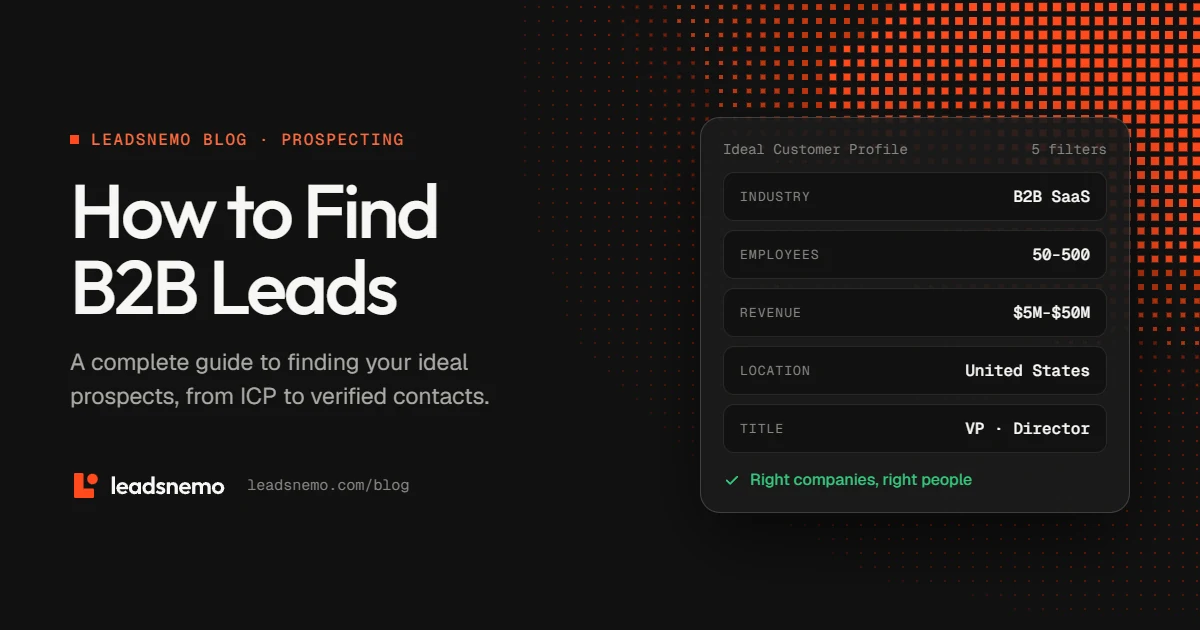
- Start with your ICP. Industry, size, revenue, location and technology decide who belongs on the list.
- Stack filters. A combination of company and contact filters beats any single search term.
- Find the right people. The CEO isn't always the buyer. Look for whoever feels the problem and controls the budget.
- Verify before you send. Accurate data, verification and responsible sending practices work together.
1. What is a B2B lead?
A B2B lead is a potential business customer that could have a need for your product or service.
A basic lead might only contain a company name or an individual's email address. A more useful prospect record connects the two: a relevant company and a person at that company who could influence or make a purchasing decision.
For example, if you sell sales software to growing SaaS companies, a useful prospect might look like this:
- Industry
- B2B SaaS
- Company size
- 50–500 employees
- Location
- United States
- Department
- Sales
- Target role
- VP of Sales · Head of Sales · Sales Director
- Potential need
- Growing team that needs better prospecting
The more closely a prospect matches your target customer, the more relevant your outreach can become.
What makes a lead qualified?
Not every lead is automatically a good prospect. Depending on your product, you may want to consider:
- Company fit: Does the company operate in a market you serve?
- Business need: Does it have a problem your product can realistically solve?
- Role relevance: Is the person you found involved in the problem or purchasing decision?
- Company size: Does the organization fit your pricing and sales model?
- Timing: Are there signs that the company may need your solution now?
2. Define your Ideal Customer Profile before searching
Your Ideal Customer Profile (ICP) describes the characteristics of companies that are a strong fit for your product. A well-defined ICP makes prospecting easier because you can filter out companies that are unlikely to become customers. Most of these characteristics are firmographic data (industry, size, revenue and location) plus technographic data (the tools a company already uses).
| ICP attribute | What to decide | Example |
|---|---|---|
| Industry | Which markets your product is most relevant to | B2B SaaS, logistics, fintech |
| Company size | Employee range that fits your sales model | 20–100 for small-team tools |
| Revenue | One signal of purchasing capacity, used alongside the others | $5M–$50M |
| Location | Territories, time zones, regulation, language | United States, EMEA |
| Technology | Platforms your product integrates with | Companies using a CRM you integrate with |
For some products, a company's existing technology stack is an important signal. If your product integrates with a specific CRM or cloud platform, find companies already using it rather than prospecting organizations that can't use your product.
3. Use multiple filters to narrow your search
Once you've defined your ICP, combine several filters instead of relying on one. Rather than searching for "SaaS companies", narrow the list to:
- Industry
- B2B SaaS
- Employees
- 50–500
- Revenue
- $5M–$50M
- Location
- United States
- Department
- Sales
- Job title
- VP, Director, Head of
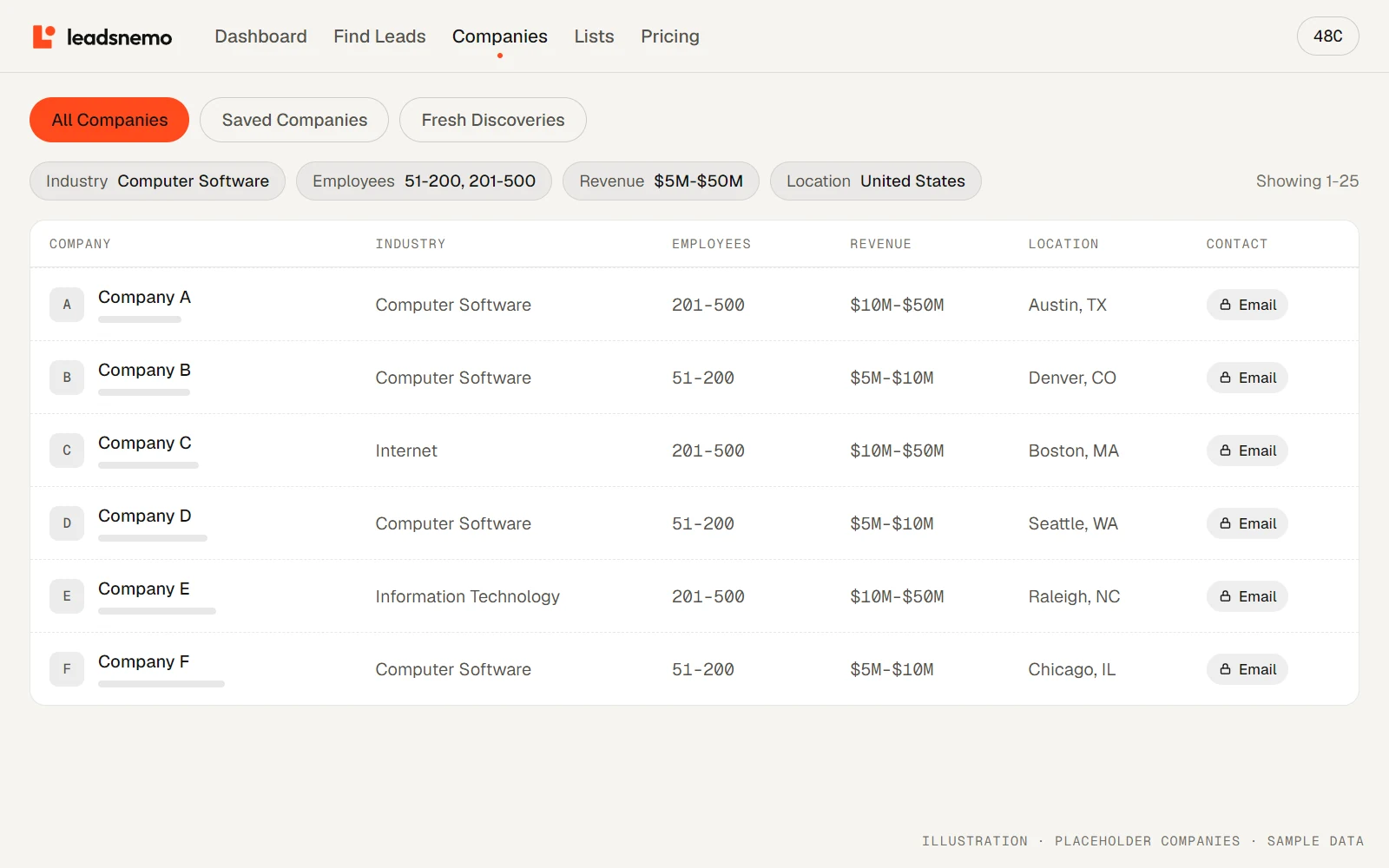
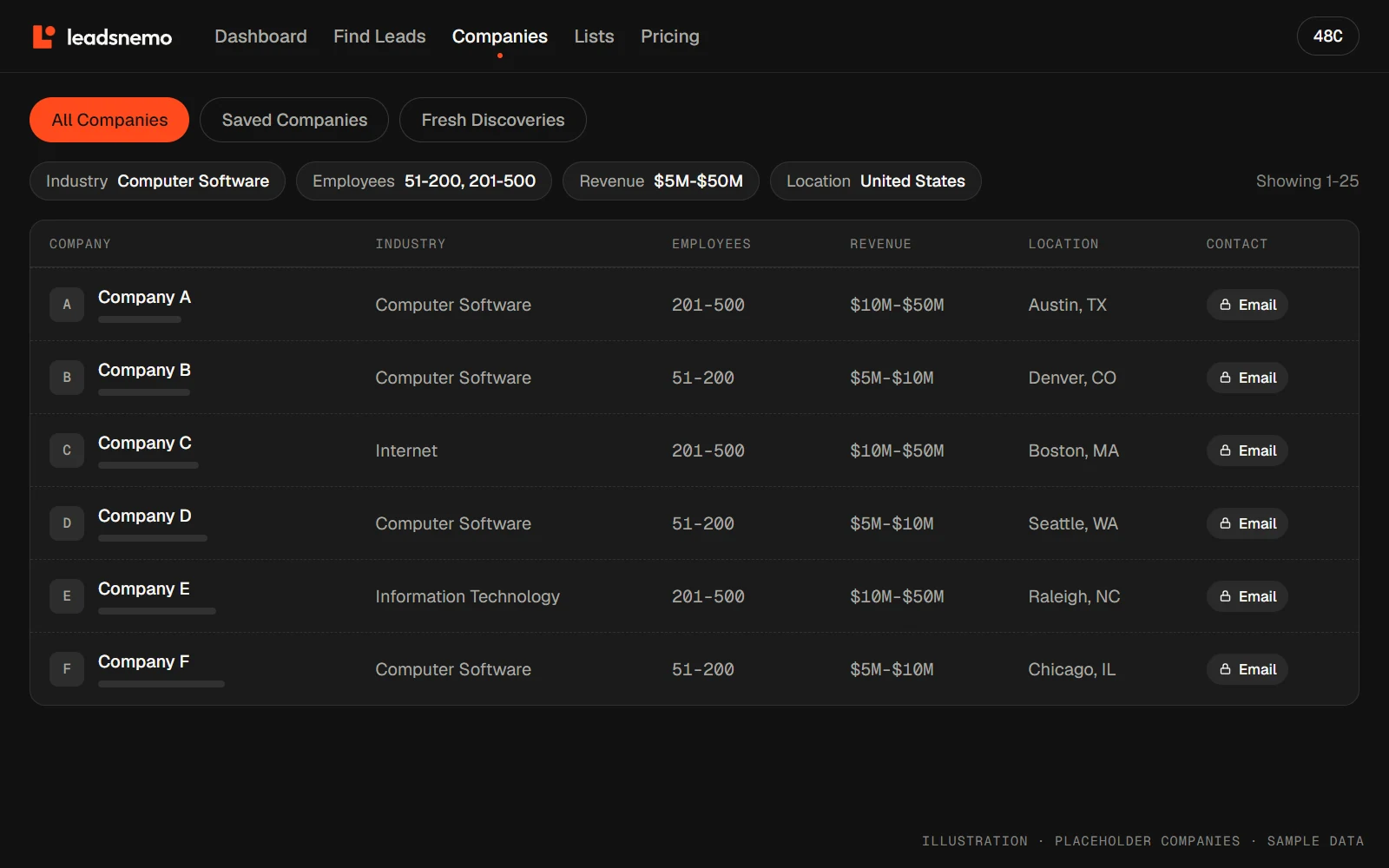
Filtering leads by industry and geography keeps you in markets and territories you can actually serve, and many B2B lead databases also let you find companies by SIC or NAICS code. Finding companies by employee count separates small businesses from mid-market and enterprise accounts, while a revenue range aligns the list with the deal size your team can handle. Filtering by tech stack helps when your product integrates with specific platforms.
The goal isn't to apply every possible filter. It's to find the combination that best represents your ICP.
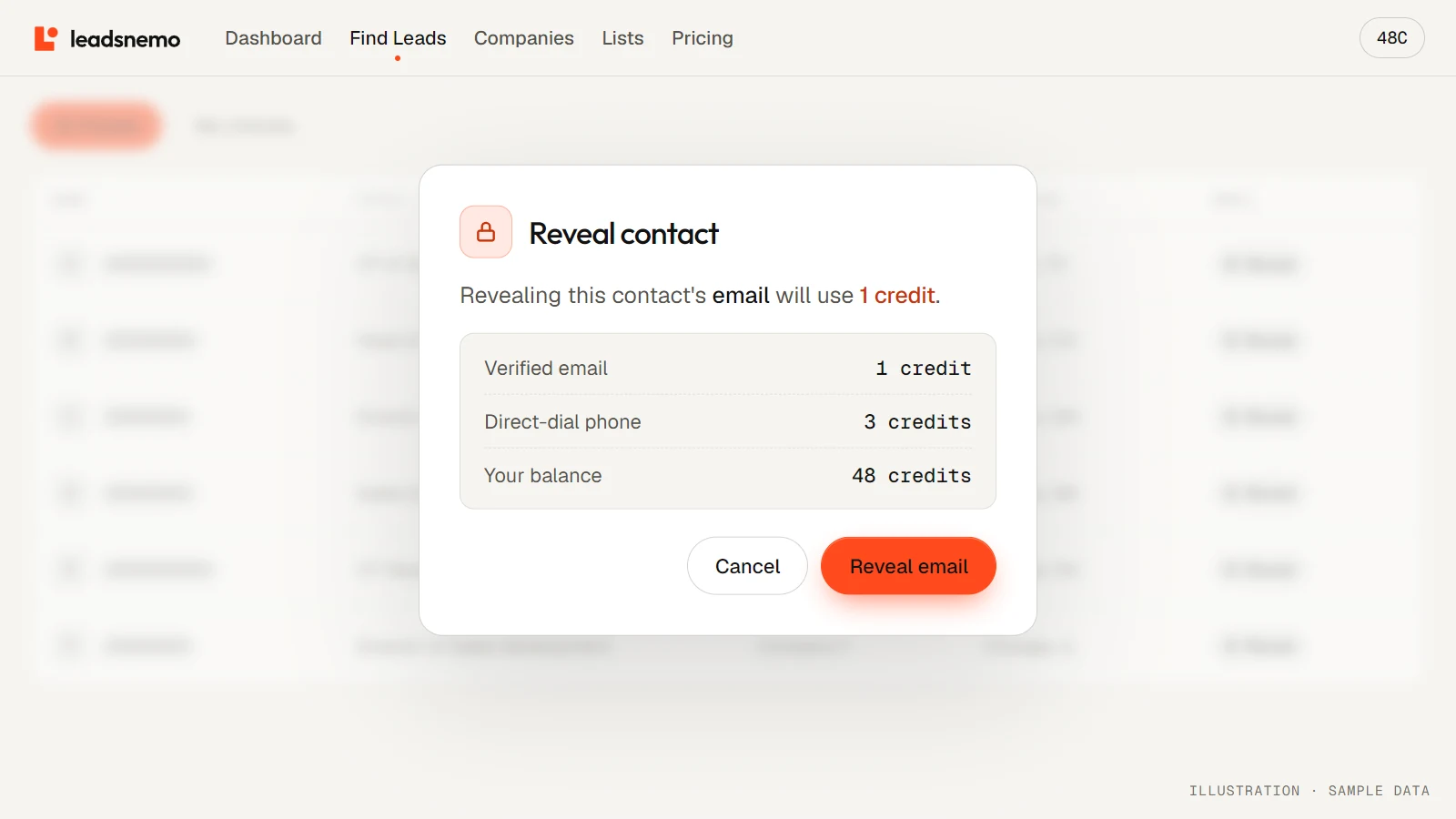
Company and contact filters are free to use. You only spend credits when you reveal contact details.
4. How to find decision-makers at a company
Finding the right company is only the first step. You also need to identify the people who are relevant to your sale, and that depends on what you sell.
| If you sell | Relevant contacts |
|---|---|
| Sales intelligence software | VP of Sales, Head of Sales, Sales Director, RevOps Manager, Sales Ops Manager, SDR Manager |
| An IT security product | CIO, CTO, CISO, Head of IT, IT Director, Security Manager |
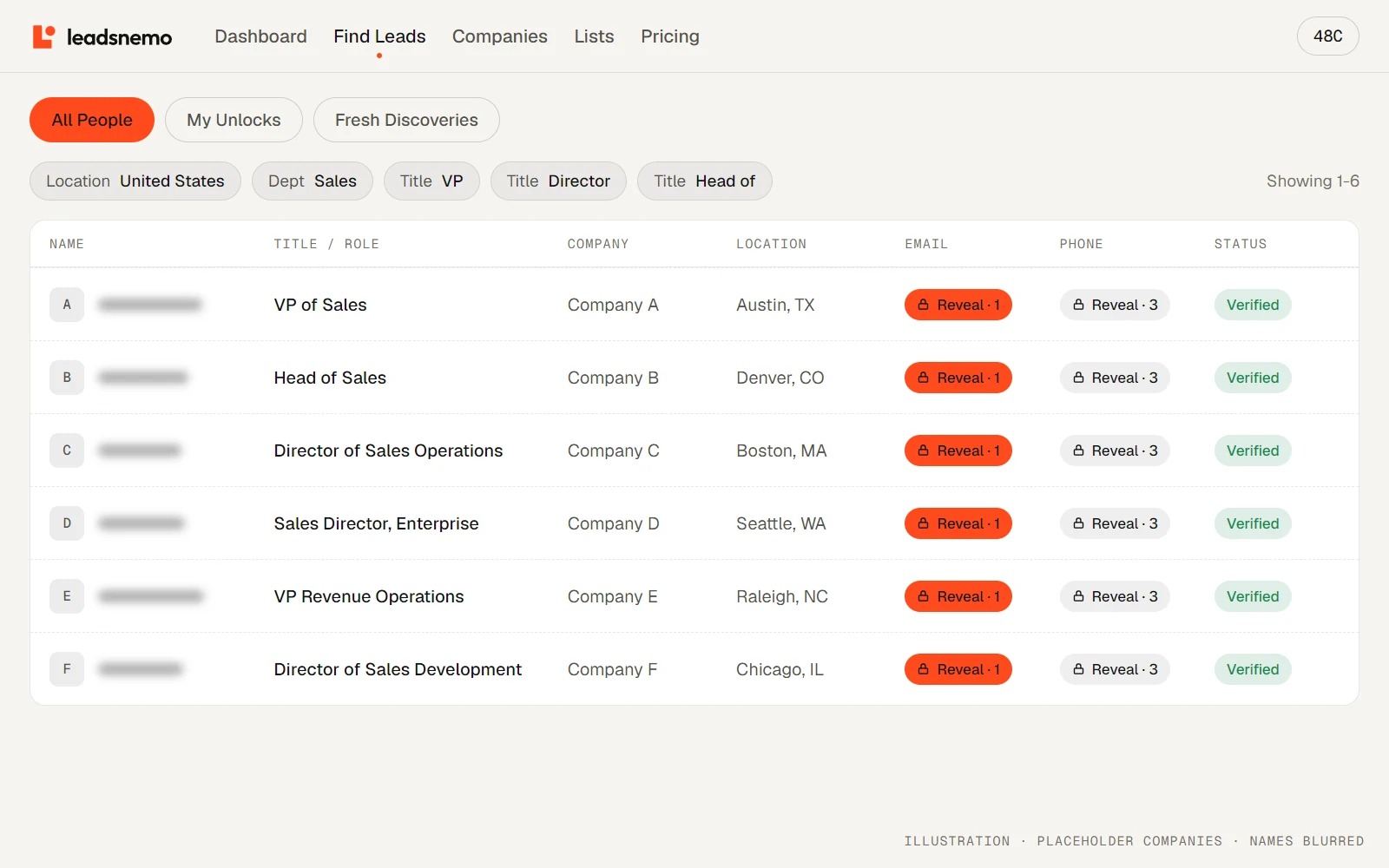
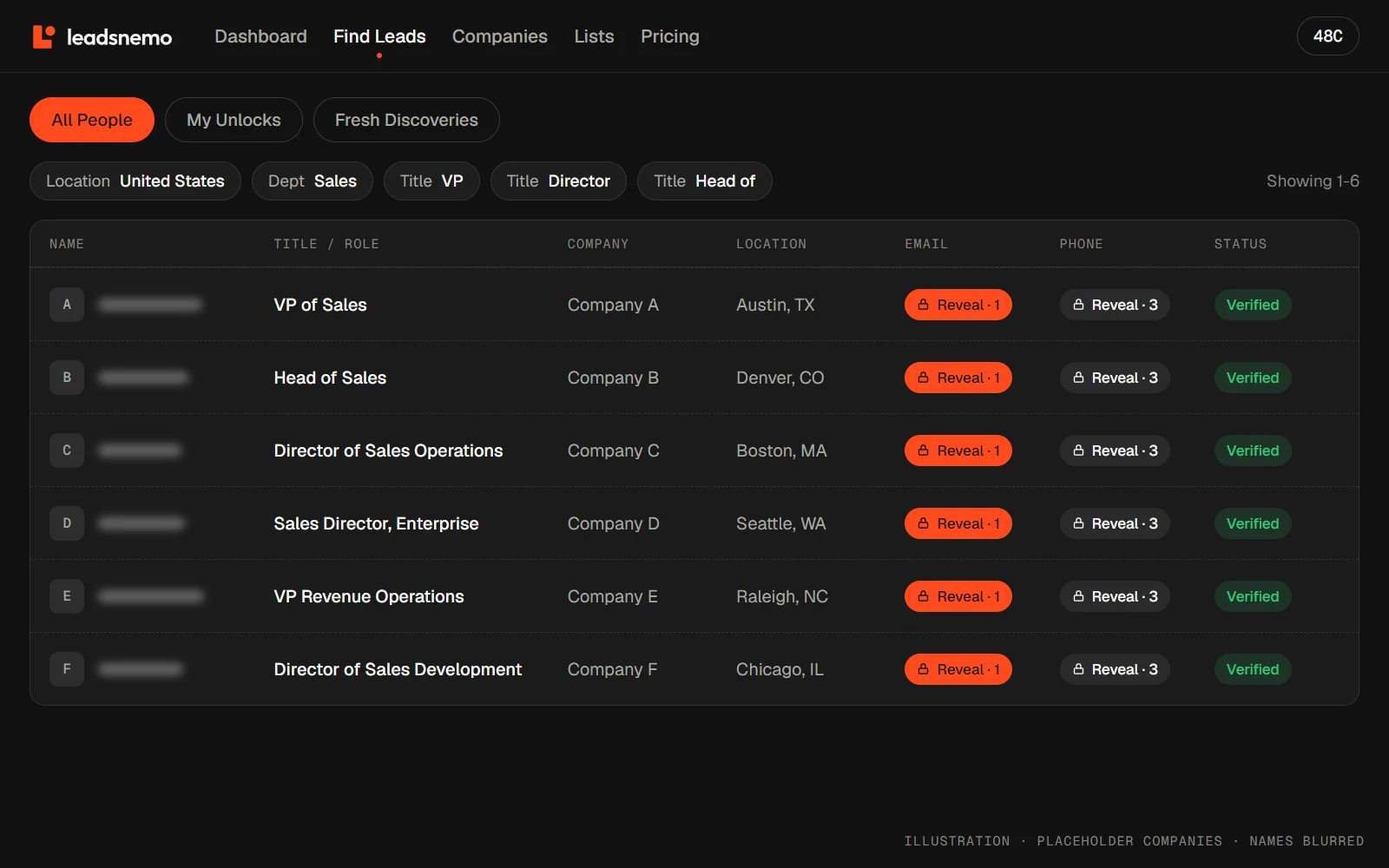
Avoid assuming that the CEO is always the best person to contact. In larger organizations, purchasing decisions are often spread across several departments and roles. Look for the people who:
- Experience the problem you're solving
- Evaluate potential solutions
- Influence the purchasing decision
- Control or influence the budget
In some cases you'll want to contact more than one person at the same company.
5. Verify contact information before outreach
A targeted list is only useful if the contact information is accurate. Business contact data goes stale when people change jobs, change departments, leave companies, switch email addresses or move into new roles. Outdated data leads to bounced emails, wasted credits and extra follow-up work.
Before adding contacts to a cold-email campaign, verify the addresses. Email verification is one of the simplest ways to reduce your cold email bounce rate, but it isn't an absolute guarantee of delivery: mailbox status can change, and delivery also depends on sender reputation, authentication, recipient-side filtering and campaign practices.
Accurate data + verification + responsible sending
6. How to build a B2B lead list from scratch
Instead of searching for leads at random, follow the same six steps every time you build a new list.
- 01Define ICP
- 02Find companies
- 03Identify contacts
- 04Review prospects
- 05Verify details
- 06Segment list
- Define your ICP. Decide which industries, sizes, locations, revenue ranges and technologies describe your ideal customers.
- Find matching companies. Use a B2B database or other sources to find companies that match.
- Identify relevant contacts. Filter employees by department and job title.
- Review the prospects. Don't rely entirely on filters. Look for extra signs that the account is relevant.
- Verify contact details. Check emails and phone numbers before any campaign.
- Segment your list. Group by industry, size, location, role or use case so each segment gets relevant messaging.
7. How LeadsNemo helps you find B2B leads
LeadsNemo is a B2B lead database that helps sales teams build targeted prospect lists without starting from a spreadsheet of disconnected contacts. Filter by company size, revenue, industry, location, technology, job title and department, and see who matches before you reveal any contact details.
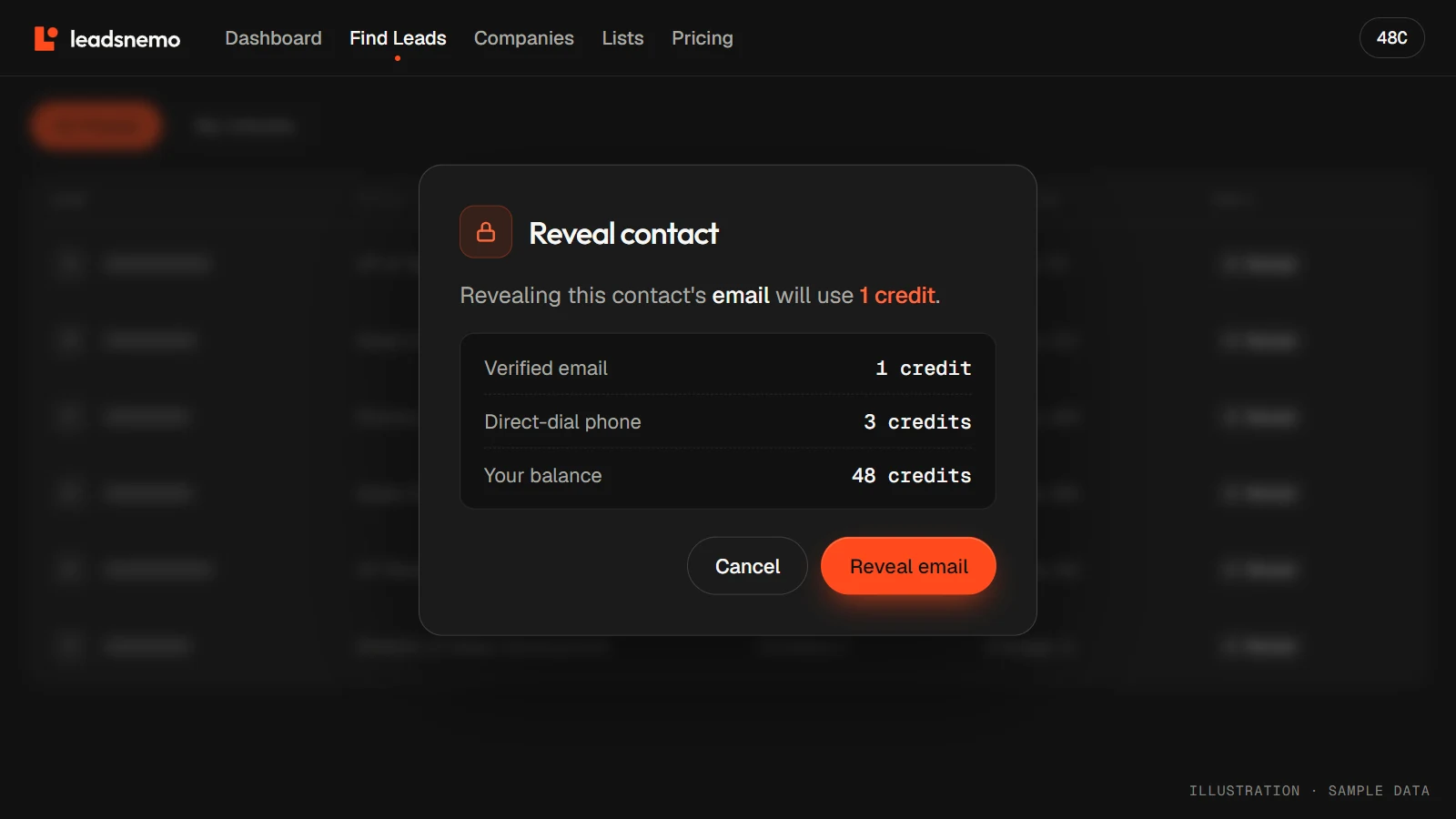
LeadsNemo covers 150M+ business records and uses credits for reveals: a verified corporate email costs 1 credit and a verified direct-dial phone number costs 3 credits. If a revealed email or phone number turns out to be invalid, you can flag it for a credit replacement. Export your lists to CSV or connect them to your own tools through the API.
8. Final checklist
Before adding a prospect to your outreach list, ask:
- Does the company match our ICP and a market we actually serve?
- Do its size and revenue fit our sales model?
- Is there a relevant problem or use case?
- Have we identified the right department and a relevant job title?
- Is the contact information current and verified?
- Is the prospect in the right segment?
- Can we personalize outreach based on what we know about the company?
The objective isn't to build the biggest possible list. It's to build a relevant, accurate list your sales team can actually work.
Conclusion
Effective B2B lead generation starts with knowing exactly who you want to reach. Define your ICP, find companies that match it, identify the people involved in buying, verify their contact information and organize prospects into useful segments. With the right database and a repeatable workflow, finding B2B leads becomes less about collecting contacts and more about finding the right companies and the right people at them.
Frequently asked questions
What is a B2B lead?
A B2B lead is a business that could need your product, ideally connected to a person at that company who influences or makes the purchasing decision.
How do I build a B2B lead list from scratch?
Define your ICP, find companies that match it, identify the relevant contacts by department and job title, review the prospects, verify their contact details and segment the list before outreach.
How do I find decision-makers at a company?
Start with the department that owns the problem you solve, then filter by job title, for example VP, Director or Head of. In larger companies, look for everyone who feels the problem, evaluates solutions and controls the budget, not just the CEO.
How can I reduce my cold email bounce rate?
Verify addresses before every campaign, remove contacts that fail verification, refresh old lists regularly because people change jobs, and follow responsible sending practices such as authenticating your domain.
How much does a B2B lead cost on LeadsNemo?
Searching and filtering is free. Revealing a verified corporate email costs 1 credit and a verified direct-dial phone number costs 3 credits, and new accounts get 50 free credits. See pricing for credit plans.