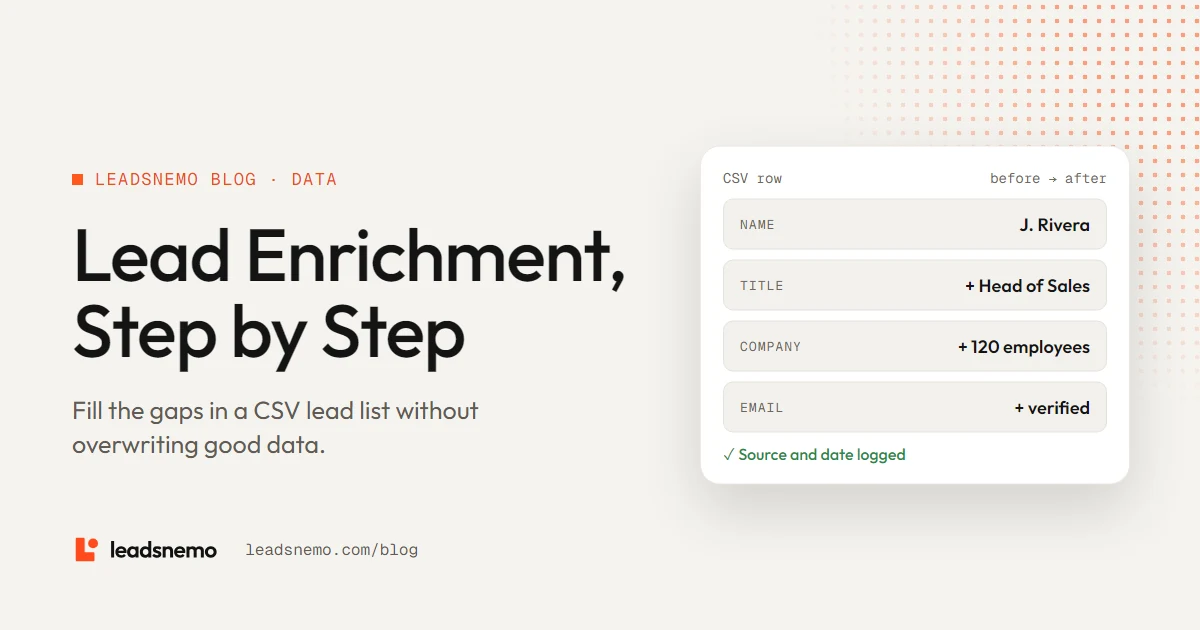
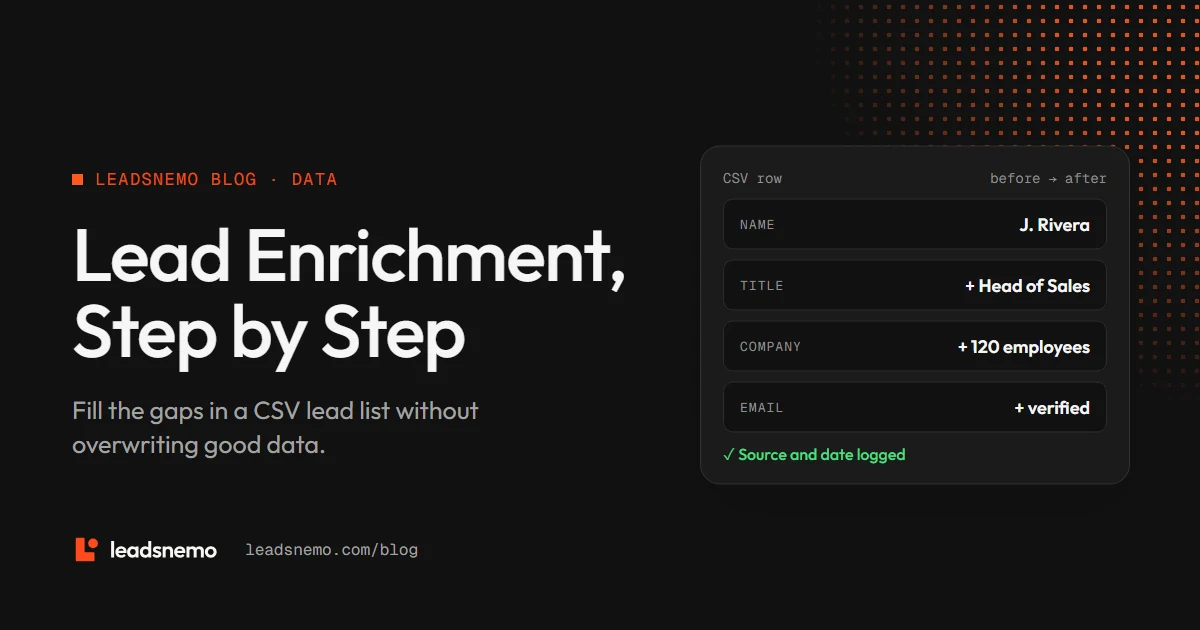
- Enrichment adds missing fields to records you already have. Prospecting finds new records.
- Clean before you enrich. Normalize domains and remove duplicates first.
- Match on company domain where you can. It is the most reliable key for B2B records.
- Append, do not overwrite. Keep the original values and record the source and date of every new one.
1. What is lead enrichment?
Lead enrichment is the process of adding missing or updated information to lead records you already hold, such as a work email, job title, company size or industry. Prospecting finds new people. Enrichment completes the records of people you already have.
Teams enrich lists from events and webinars, inbound form fills with only an email, partner referrals, and CRM records that have gone stale. Older records need it most: the median U.S. wage and salary worker had been with their employer for 4.1 years in January 2026, according to the BLS Employee Tenure Summary, so a three-year-old export has lost a large share of its job titles and emails. The data decay guide has the details.
2. Which fields to add
| Field group | Fields | Why it matters |
|---|---|---|
| Company | Domain, industry, employee count, revenue band, location | Decides ICP fit and segment |
| Technology | CRM, cloud, marketing tools | Decides compatibility and messaging |
| Contact | Work email, direct dial, LinkedIn URL | Makes outreach possible |
| Role | Job title, department, seniority | Decides routing and message |
Only enrich the fields you will use. If your routing rules ignore revenue, adding it costs money and adds one more field to keep current, and every field goes stale at its own pace (see B2B data decay).
3. How matching works
Enrichment links each row in your file to a record in a database. The key you match on decides how many rows match and how many match wrongly. CRMs use the same keys: HubSpot deduplicates records automatically by email address for contacts and by domain name for companies.
| Match key | Reliability | Notes |
|---|---|---|
| Company domain | High | Unique per company; strip www and paths first |
| Work email | High | Also gives you the domain |
| Full name + company domain | Medium to high | Fails on nicknames and name changes |
| Company name only | Low | "Apex Solutions" matches dozens of companies |
4. How to enrich a CSV lead list, step by step
- Clean the file. Trim spaces, split full names into first and last, and lowercase domains. Compare emails without regard to case when you deduplicate, but store them as they are: RFC 5321 treats the part before the @ as case sensitive, while discouraging anyone from relying on that.
- Normalize domains. Turn "https://www.example.com/about" into "example.com" so it matches. Check the Public Suffix List when you trim: co.uk is a public suffix, so the company domain is example.co.uk, not co.uk.
- Remove duplicates. Deduplicate on email first, then on name plus domain.
- Pick the match key with the highest coverage in your file, using the table above.
- Enrich and review. Spot-check 20 matched rows by hand before you trust the whole file.
- Verify contact data. Run email verification on any address you plan to send to, including ones that were already in the file, to keep your bounce rate down.
- Append, with provenance. Write new values into new columns along with the source and date.
- Before
- J. Rivera · Company B · (no email, no title)
- Match key
- companyb.com
- Added
- Head of Sales · Sales · 120 employees · B2B software
- verified
- Source / date
- Database match · 2026-11-17
5. Common enrichment mistakes
- Overwriting good data. A rep who updated a title by hand last week knows more than a database match. Keep both and let a rule decide.
- Trusting low-confidence matches. A name-only match can attach the wrong person’s email to your lead.
- Skipping verification. An enriched email is still an unverified email.
- Losing provenance. Without a source and date, nobody can tell which values are fresh.
If you enrich records about people in the EU, data protection rules apply. Under GDPR Article 14, when personal data is not obtained from the person directly, the controller must give that person certain information about the processing. Check your obligations with your privacy lead before you enrich EU contacts.
6. How LeadsNemo helps
For small gaps, search LeadsNemo by company or domain, filter by department and title, and reveal the contacts you need: 1 credit for a verified corporate email and 3 credits for a verified direct-dial phone number. Export your list to CSV, or pull records into your own workflow through the API.
Search by company and title for free, then reveal only the contacts you need. New accounts get 50 free credits.
Conclusion
Enrichment works when the input is clean: normalize domains, remove duplicates and match on the most reliable key you have. Add only fields you will use, verify every email you plan to send to, and keep the source and date next to each value so the next refresh knows what to trust.
Frequently asked questions
What is lead enrichment?
Lead enrichment is adding missing or updated information, such as work email, job title, company size or industry, to lead records you already hold.
What is the best field to match on when enriching leads?
Company domain or work email. Both are unique, unlike company names, which often match several businesses.
Should enriched data overwrite existing CRM fields?
Usually not. Append new values in separate fields with a source and date, then apply a rule that decides which value wins.
Do I need to verify enriched emails?
Yes. Verify every email you plan to send to, whether it came from enrichment or was already in the file.